


18
2026Printing Your Prague Photos: Albums, Prints and Wall Art
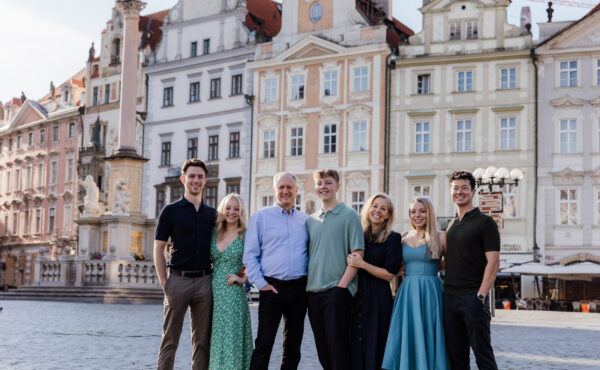
A few days after a session, your gallery arrives. Everyone looks through it twice, shares a few favourites, and then, for most people, the photos stay on a phone for years. I would love more of them to end up on walls and in books. This is not a sales page; it is the practical advice I give clients about getting their Prague photos printed well, wherever they live.
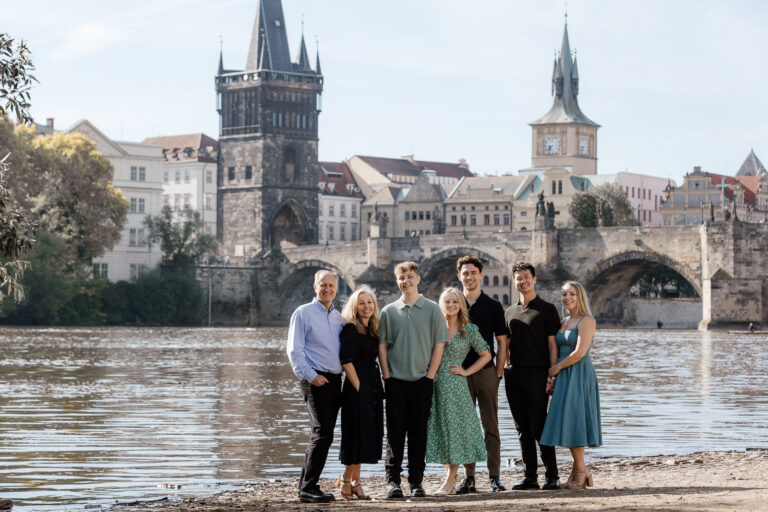
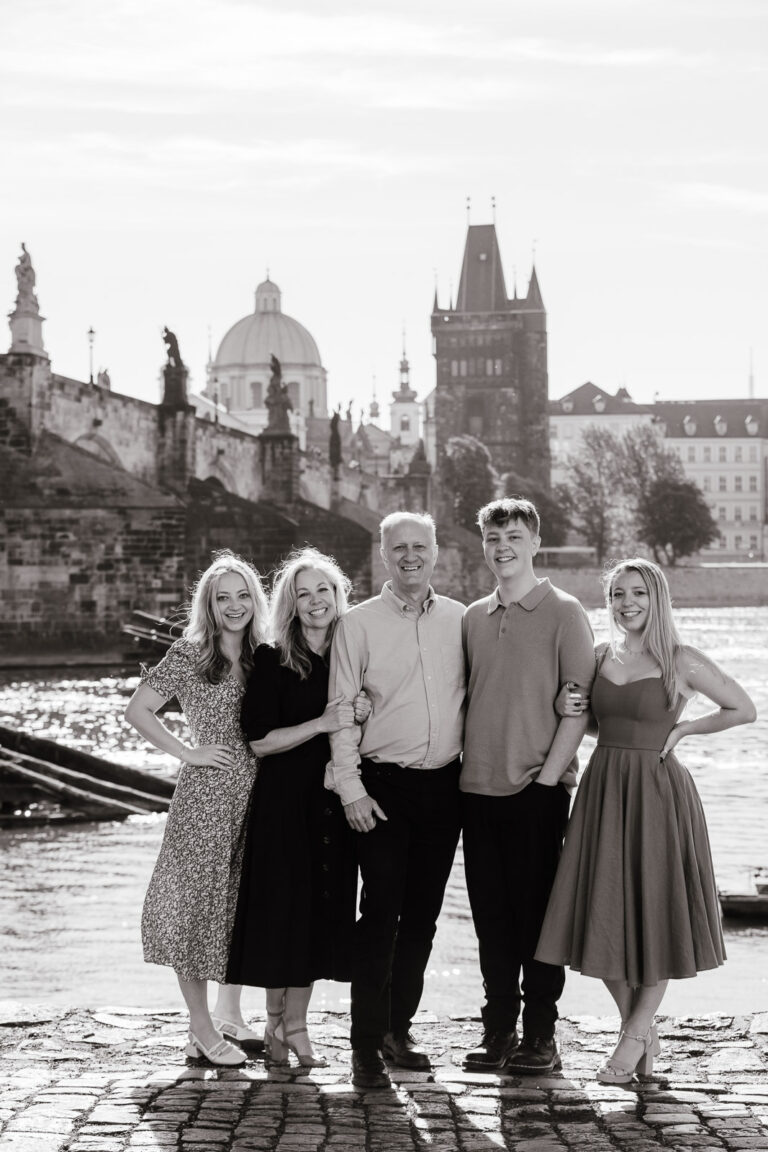

A wide group photo, a black and white version and a candid moment: three very different prints from Prague sessions.
Start with the right files
Your edited photos arrive in a private online gallery, full size and ready to print. The first few usually come within a couple of days and the full gallery within about two weeks; if you need them faster, there is a 24-hour express option for most sessions. Whatever you print, print from those original downloads.
- Never print from a copy that has been sent through a messaging app or posted on social media. WhatsApp, Instagram and most chat apps shrink and compress photos. They look fine on a phone and soft on paper.
- Do not screenshot the gallery. A screenshot is a fraction of the real file.
- Do not re-edit before printing. The files are already colour-corrected. Extra filters or an app’s auto-enhance usually push skin tones and the sky in the wrong direction.
- Keep the originals untouched. If you want to crop for a frame, save a copy and crop that.
How big can you print?
Print quality depends on how many pixels you have for each inch of paper. For photos you hold in your hand, 300 pixels per inch is the standard. Wall prints are seen from further away, so 150 to 200 pixels per inch is plenty. To check a file, look at its pixel dimensions (on a computer: right-click and open the file info).
| Print size | Pixels needed | Notes |
|---|---|---|
| 10 × 15 cm (4 × 6 in) | 1,200 × 1,800 | Classic snapshot; at 300 ppi |
| 13 × 18 cm (5 × 7 in) | 1,500 × 2,100 | Small frame; needs a slight crop |
| 20 × 30 cm (8 × 12 in) | 2,400 × 3,600 | Desk or shelf frame; no crop |
| 30 × 45 cm (12 × 18 in) | 3,600 × 5,400 | Small wall print; at 300 ppi |
| 40 × 60 cm (16 × 24 in) | 3,200 × 4,800 | Wall print; at 200 ppi |
| 50 × 75 cm (20 × 30 in) | 3,000 × 4,500 or more | Statement print; at 150 ppi or better |
The full-size gallery files are made for printing, so the practical issue is rarely resolution. It is shape. Camera files are 3:2, so 10 × 15, 20 × 30 and 40 × 60 print without cropping. Sizes such as 13 × 18, 20 × 25 or A4 cut something off the ends, and a square cuts a lot. Before you order, crop a copy to the new shape and check nobody has lost an elbow or the top of a spire.
Choosing the 20 frames that matter
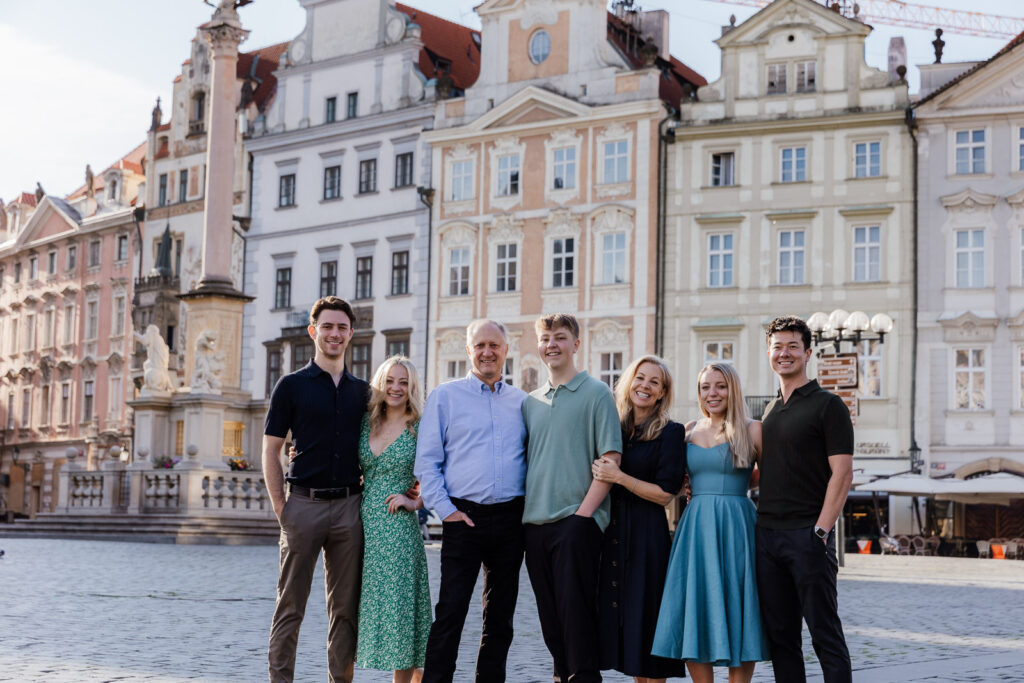
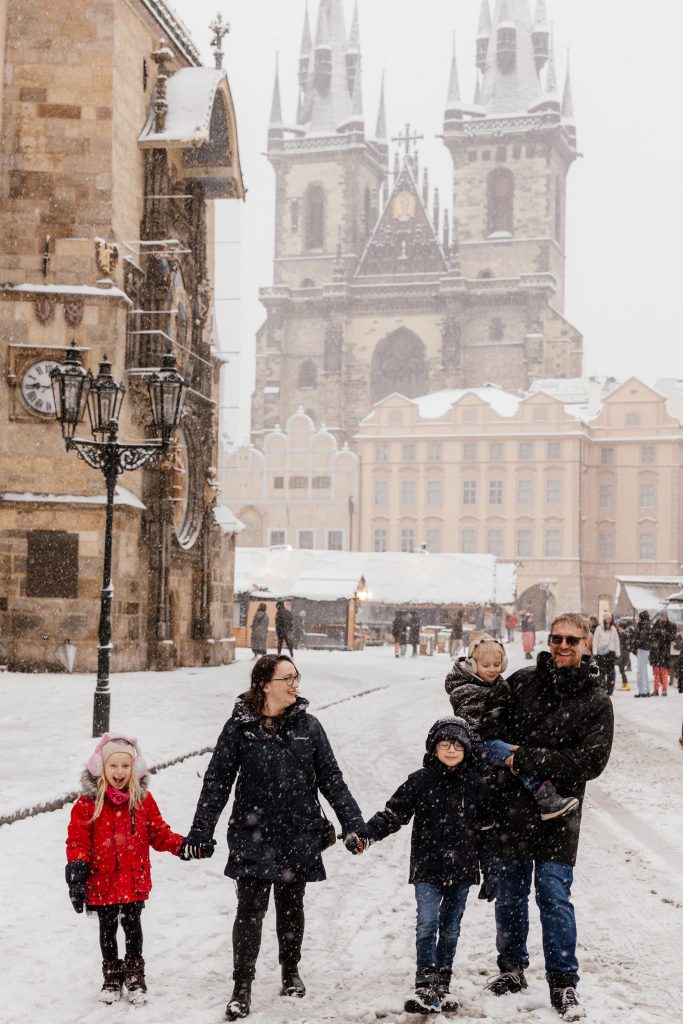
A one-hour family session gives you 35 or more edited photos, and longer sessions far more. Printing all of them is how albums end up dull. A small, varied selection tells the story better. This is the mix I would aim for:

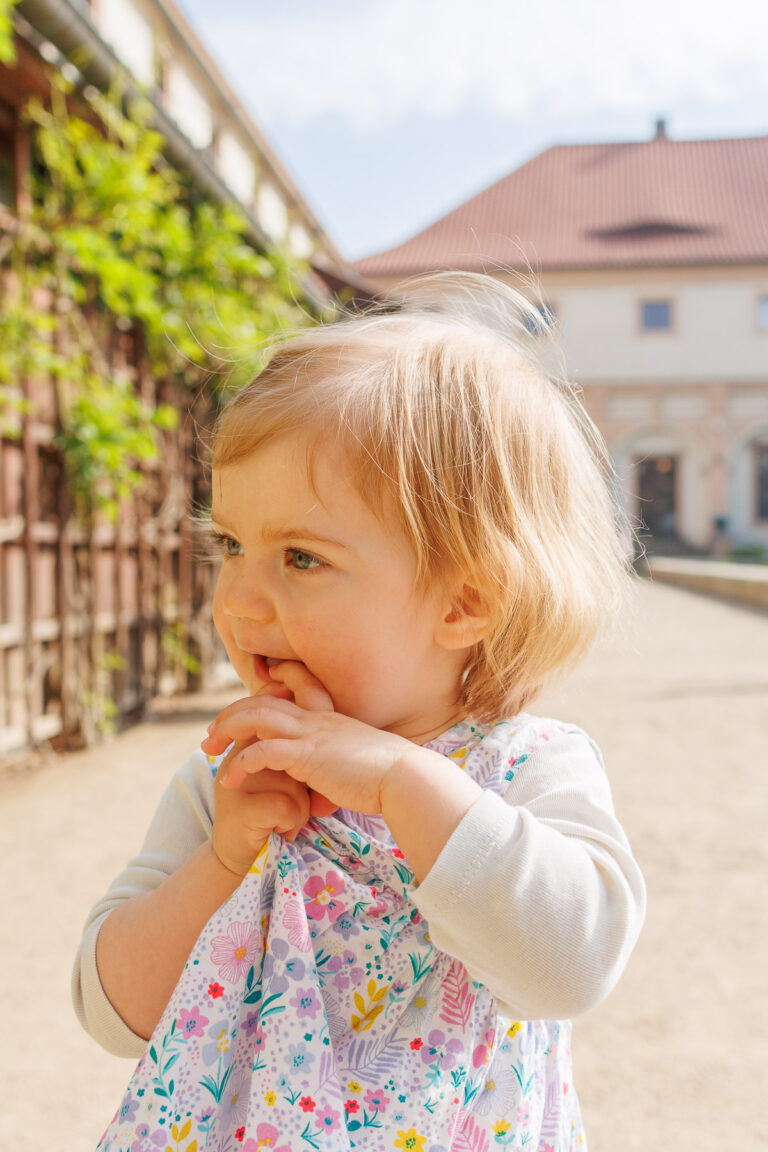
A wide, walking frame and a close portrait: one of each makes a selection feel complete.
A way of choosing that works for families: everyone marks their three favourites in the gallery separately, then you put the lists together. Anything chosen twice is in. Then sleep on it, and cut near-duplicates; if two frames are almost the same, keep the one with the best expressions and let the other go.
Photo books and albums
A book keeps the day in order, and children love turning the pages of a trip they were part of. A few choices make a big difference:
- Layflat or standard binding. Layflat pages open completely flat, so a single photo can run across both pages without disappearing into the fold. Standard bound books are cheaper and fine if you keep each photo on one page.
- Fewer photos per page. One strong photo on a page, or one large and two small, looks better than a collage of nine. For a one-hour session, 20 to 30 photos across 20 to 30 pages is a comfortable book.
- Tell it in order. Start wide, move closer, end with the last light or the walk away. That is usually the order of the gallery already.
- Pick the cover last. Choose the photo that sums up the day once the inside is finished, and keep any text on the cover short.
- Leave white space. Margins look calm and expensive; filling every edge looks busy.
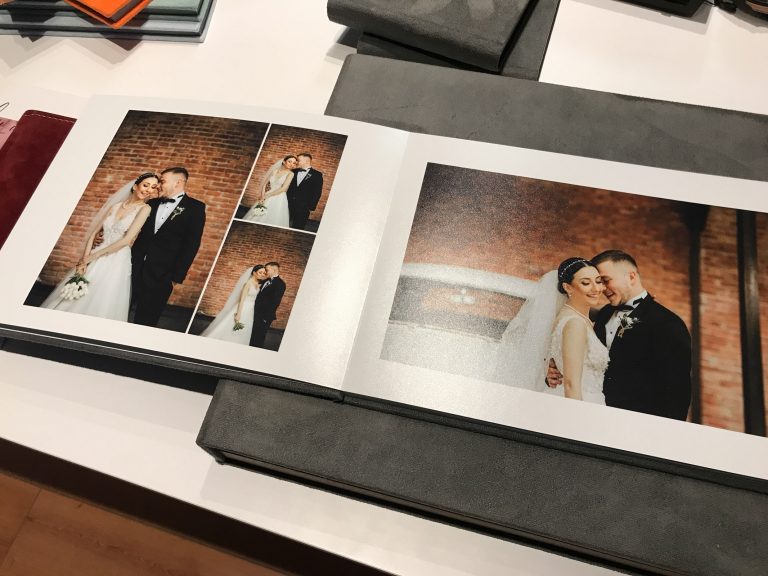
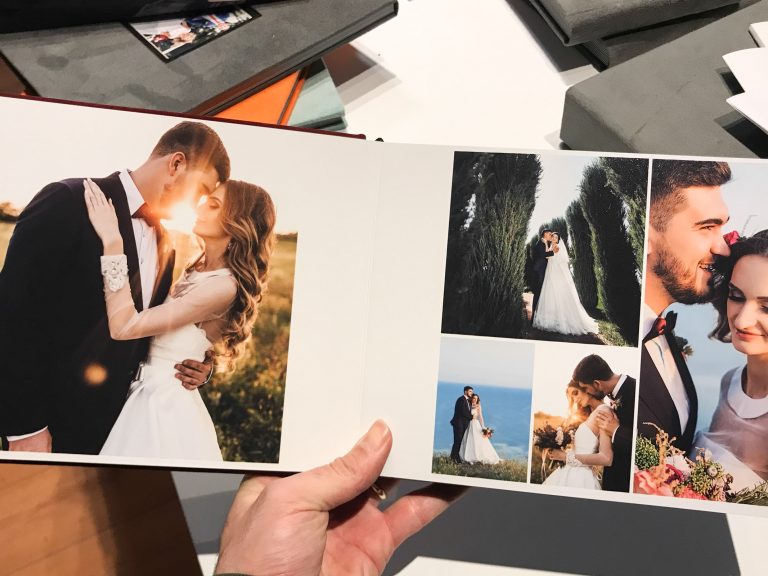
A layflat book lets one photo cross the centre, or a large frame face a small set of details.
Choosing a print lab
I do not recommend one company, because the right lab depends on where you live. There are three broad options:
| Option | Good for | Watch out for |
|---|---|---|
| Professional photo lab | Wall prints, fine art paper, framing | Higher prices; some want files in a specific format |
| Online photo-book service | Books, calendars, cards | Auto-enhance settings and busy templates |
| Drugstore or kiosk prints | Quick small prints for the fridge | Inconsistent colour, thin paper |
- Order in your own country. It avoids customs, long shipping and returns across borders.
- Switch off auto-correction. Many services ‘improve’ photos by default. For professionally edited files, turn it off.
- Expect prints to look slightly darker than your screen. Screens are lit from behind; paper is not. Lowering your screen brightness before judging the files gives a fairer preview. If prints come out much too dark, ask the lab before brightening the files yourself.
- Read the reviews for colour. Look for comments about skin tones and consistency, not only delivery times.
Paper, framing and wall art
Paper changes the feel of a photo more than people expect. Matte and lustre (semi-gloss) papers are the safe choice for framed prints: rich, without reflections. Gloss looks vivid in the hand but catches every window. Fine art papers, often cotton based, give soft, deep tones and suit black and white especially well.
For the size, a print above a sofa or sideboard usually looks right at about two thirds of the furniture’s width. Hang the centre of the photo roughly at eye level, keep prints out of direct sunlight, and avoid steamy bathrooms and kitchens. Under UV-filtering glass, good prints last for decades.
Prints as Christmas gifts
A framed photo from Prague is one of the gifts grandparents actually keep. The catch is timing. Count backwards from Christmas:
- The gallery. About two weeks after the session for the full set, or within 24 hours with express delivery.
- Production and shipping. Photo books and framed prints commonly take one to two weeks, and longer in December. Every service publishes Christmas order deadlines; check them early.
- So: if you want prints under the tree, a session in November or the first days of December gives you time. For a session later in December, add express delivery and choose quick items such as loose prints or cards.
Other ideas that work well: a calendar with one photo per month, a small framed print for each grandparent, or photo cards; I wrote about Christmas card photos in Prague separately. And if the gift is the session itself, there is a photography gift voucher, sent by email or as a printed card.
Back up the gallery
An online gallery is for viewing and downloading, not for keeping photos safe for twenty years. Phones get lost and links get forgotten. As soon as the gallery arrives:
- Download the full set, not just favourites, in full size.
- Keep three copies in two places: for example your computer, an external drive and a cloud service.
- Name the folder clearly, such as “Prague family photos 2026”, so it is easy to find in ten years.
- Share it with family, so more than one household has a copy.
- Print a few. A print in a drawer survives every change of phone and every forgotten password.
Questions about printing your photos
Are the gallery files good enough for large prints?
Yes. They are full size and colour-corrected, ready to print. A 40 × 60 cm wall print is normally well within range; for very large prints, ask the lab for a test or a proof.
Why do my prints look darker than on my phone?
Phone screens are bright and lit from behind. Lower the screen brightness to preview more fairly, and make sure the lab’s auto-correction is off.
Should I choose matte or gloss?
For framed prints and books, matte or lustre. Gloss reflects light and fingerprints, though some people love its punch for small prints.
How many photos should go in an album?
For a one-hour session, around 20 to 30. A book with fewer, larger photos is nicer to look through than one that tries to include everything.
When should I order prints for Christmas?
As early as you can, and before the service’s published Christmas deadline. A session in November or early December leaves comfortable time.
Photos worth printing
Tell me your dates and who is coming, and I will plan the session around the light and the places you will want on your wall.
Ask me anything
About a session, about delivery times before Christmas, or about which of your photos would print well large.